

Navigate social media with clear, practical guides
From creating an account to closing one — and everything in between. Built for everyday users and teams who manage social channels.
Popular platform guides
Independent how-tos with privacy tips, posting help, and links to official support. Interfaces change — we note that on every page.

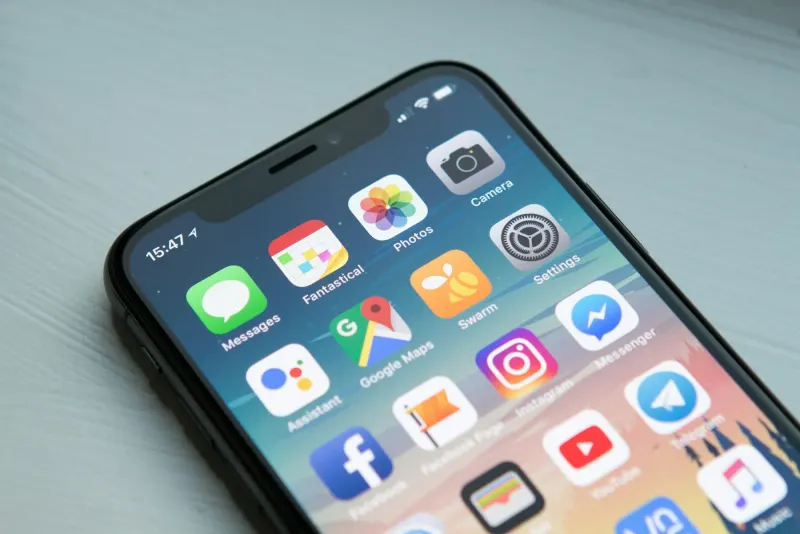
Create an account, post Reels and Stories, manage privacy, and close your account.
Open guide →

TikTok
Create an account, post videos, manage privacy, and delete or deactivate TikTok.
Open guide →

Latest guides
How to Recover a Hacked Social Media Account
Step-by-step order of operations to recover a compromised social account: secure email, phone, official resets, and aftercare.
Read →Spotting Scams and Phishing DMs on Social Media
How to recognize phishing DMs, fake support accounts, giveaway scams, and job fraud — and what to do if you clicked.
Read →Social Media Privacy Checklist
A practical quarterly privacy checklist for passwords, 2FA, audiences, messages, ads, and device permissions.
Read →How to Download and Backup Your Social Media Data
How to export archives from major social platforms, store them safely, and why exports are not a substitute for original files.
Read →
Parental Controls Guide Across Social Platforms
Combine conversation, device screen-time tools, and platform family settings to support safer social media use for kids and teens.
Read →How to Verify Your Social Media Account
What verification badges mean, how official request flows work, how to avoid verification scams, and alternatives if you are not eligible.
Read →
For businesses & teams
Set up profiles the right way, plan content without burnout, and build simple workflows for approvals, scheduling, and reporting.
Open business hub
Mental health resource hub
If social media use is hurting your sleep, mood, or relationships, start with trusted hotlines, directories, and educational articles. We do not provide clinical care or specialist intake.
View resources